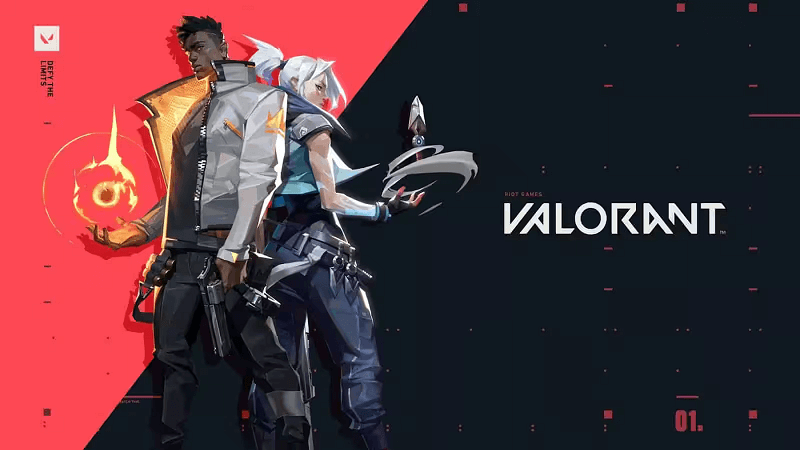
Valorant Philippines
⚡ Delivered in ~30 seconds
Region: Philippines · code by e-mail + live tracking page
- ⚡ Livraison instantanée par e-mail
- 🔒 Paiement sécurisé — Visa · Mastercard · CMI
- 🎧 Support 7j/7 par ticket
About this card
How to use it
Buy Valorant Philippines in Morocco
Replay.ma is the fastest way to buy Valorant Philippines in Morocco: 100% secure payment with a Moroccan bank card (Visa, Mastercard, CMI) through Payzone, and instant digital delivery. As soon as payment clears you can track your order live and receive your code within seconds — from 31.48 Dhs. Every order includes a detailed activation guide, and our support replies quickly through a ticket.
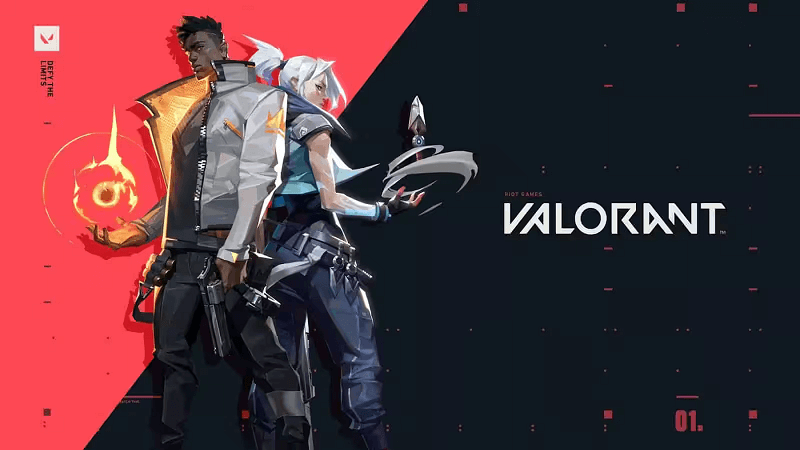
More Valorant cards


Frequently asked questions
How do I receive my Valorant card in Morocco?
Pay with a Moroccan bank card (Visa, Mastercard, CMI) and your Valorant Philippines code appears immediately on your live tracking page, plus a copy by email. Delivery usually takes under 30 seconds.
How much does Valorant Philippines cost?
Valorant Philippines starts at 31.48 Dhs, with 6 amounts to choose from. Prices are updated regularly.
How do I redeem the Valorant code?
After payment, click REDEEM on your delivery page: your code is shown along with a detailed step-by-step guide for the Philippines region.